
In this guide
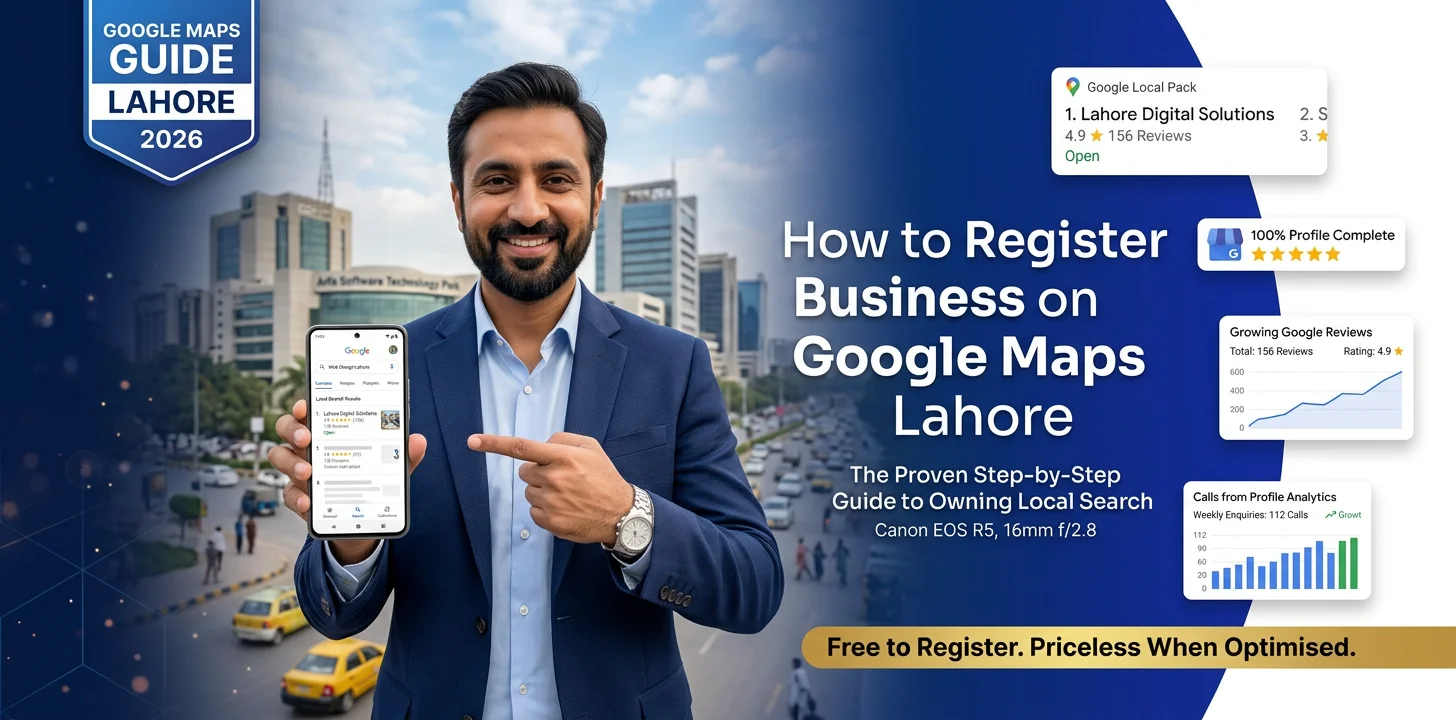
- Register business on Google Maps Pakistan is one of the highest-return, lowest-cost things a local business can do, and yet a huge number of businesses still haven't done it properly.
- The setup itself takes minutes, but getting the details right is what actually determines whether it works.
- Verification is a required step most people underestimate, and skipping shortcuts here causes real delays.
- Once live, a profile needs ongoing attention, not a one-time setup and forget approach.
A huge proportion of local searches in Pakistan, someone looking for a restaurant nearby, a clinic in their area, a shop that sells something specific, happen directly through Google Maps and the map results above regular search listings. If your business isn't properly set up there, you're invisible for exactly the searches most likely to turn into a customer walking through your door. Register business on Google Maps Pakistan properly, and this becomes one of the most valuable, lowest-cost things you do for visibility. If you want expert help, see our SEO services.
Before You Start
Gather accurate business information first. Exact business name, complete address, phone number and business category should all be confirmed before starting the setup, since inconsistency between what you enter and what appears elsewhere online undermines the listing's credibility.
Decide on your primary category carefully. This single choice significantly affects which searches your business appears for, and picking the closest accurate match rather than a broader or more aspirational category produces better results.
Have photos ready. Genuine photos of your storefront, interior, products or team, ready to upload immediately, help a new listing look active and trustworthy from the start rather than sparse and unfinished.
Get help setting up your Google Business Profile
The Setup Process
Create or claim your listing through Google Business Profile. If a listing already exists, created automatically by Google or by a previous owner, claiming it is different from creating a new one, and claiming an existing listing generally preserves any reviews or history already attached to it.
Complete every available field, not just the required minimum. Business hours, website, service area if relevant, and a clear business description all contribute to how complete and trustworthy the profile appears, both to Google's algorithm and to potential customers browsing it.
Add your business category and any relevant secondary categories. Beyond the primary category, secondary categories that genuinely apply help the listing surface for a broader, still relevant, range of searches.
Upload photos immediately, then continue adding more over time. A profile with a handful of genuine photos looks considerably more credible than an empty one, and photo count is one of the factors that influences engagement with a listing.
Verification: The Step Most People Underestimate
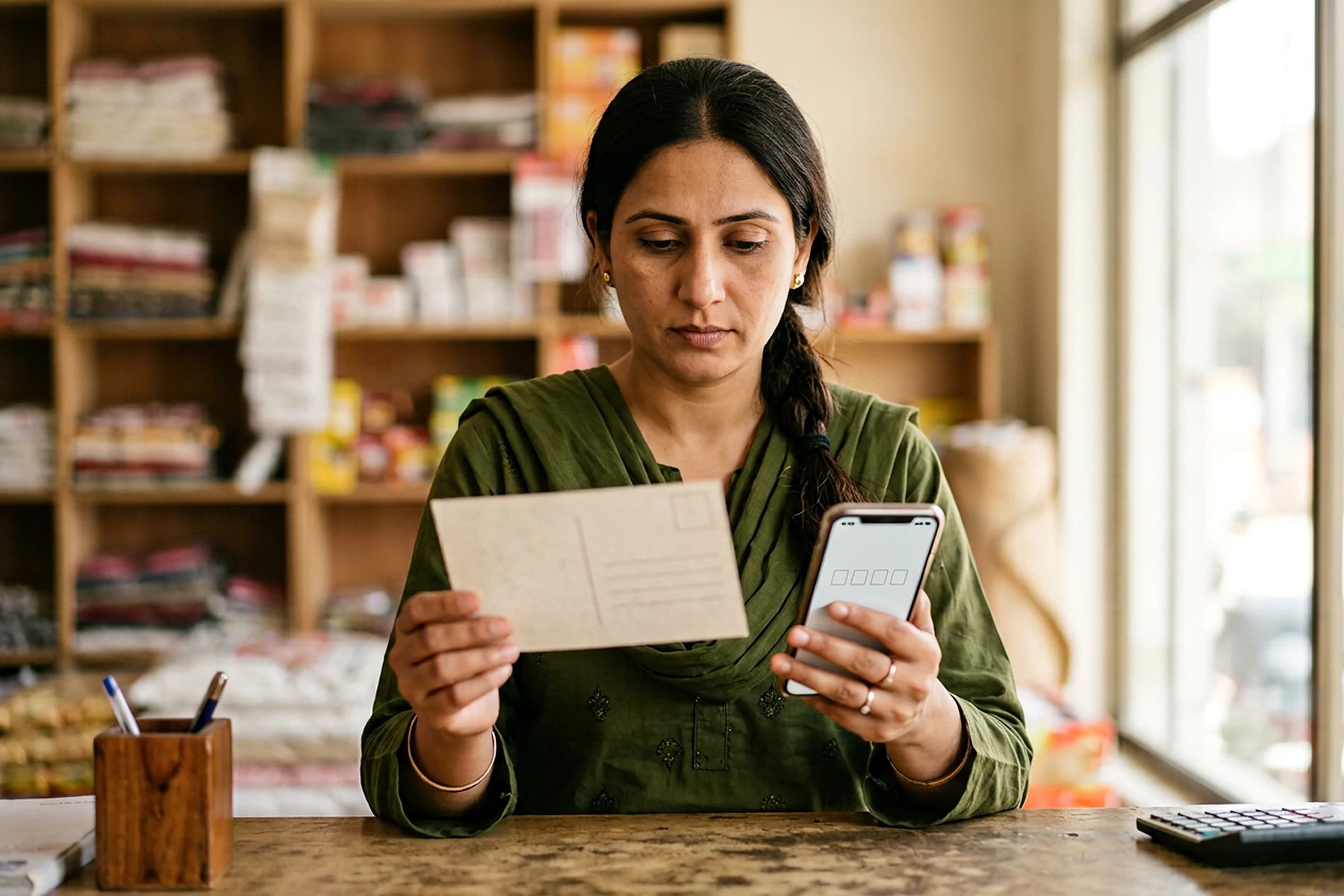
Verification confirms to Google that the business genuinely exists at the stated location. Depending on the business type, this happens through a postcard sent to the physical address, a phone call, email, or sometimes instant verification for certain eligible business types.
Postcard verification, if applicable, takes time and shouldn't be treated as optional. This is the most common method for many Pakistani businesses, and the wait, typically one to two weeks, is worth planning for rather than being surprised by partway through the process.
An unverified listing has limited visibility and functionality. Until verification completes, a listing may not appear reliably in search results, which means the whole setup process delivers little value until this final step is genuinely finished.
Ongoing Management, Not a One-Time Setup
Respond to reviews, both positive and negative. Active response signals to Google that the business is genuinely engaged with the platform, and it directly affects how potential customers perceive the business when browsing reviews.
Post updates regularly. New products, offers, or general updates keep the listing looking active, and Google's own posting feature is significantly underused by small businesses in Pakistan despite being free and straightforward.
Keep information current. Changed hours, a new phone number, or an updated address all need reflecting promptly, since outdated information actively costs customers who show up expecting something different from what they find.
Monitor and correct any duplicate or incorrect listings. Occasionally a second, inaccurate listing appears for the same business, created by a mapping error or a previous data source, and cleaning this up prevents customer confusion and diluted visibility.

Our SEO service handles Google Business Profile setup and ongoing management for clients across Pakistan, ensuring the listing is properly optimised from day one rather than left incomplete. To get your business set up correctly, book a strategy session with our team or get in touch directly.
Brand Builders helps businesses across Pakistan with SEO services. To get started, book a strategy session with our team or get in touch directly.
Book your free strategy sessionFrequently Asked Questions
01How long does it take to register a business on Google Maps in Pakistan?
The setup itself takes minutes, but verification, particularly postcard verification, typically takes one to two weeks, and the listing has limited visibility until this step completes.
02Is it free to register a business on Google Maps?
Yes, creating and verifying a Google Business Profile is free. There's no cost to claim, verify or maintain a listing directly through Google.
03What happens if my business already has a listing I didn't create?
This is common, since Google sometimes creates listings automatically. You can claim an existing listing rather than creating a duplicate, which generally preserves any reviews already attached to it.
04How important is choosing the right business category?
Very important. This single field significantly affects which searches your business appears for, and choosing the closest accurate match rather than a broader category tends to produce better visibility.
05Do I need to keep updating my Google Business Profile after setup?
Yes. Responding to reviews, posting updates, and keeping hours and contact information current all affect how the profile performs and how trustworthy it appears to potential customers.